
Luan Fazliu
Founder · 9 min read
Tea Packaging Artwork Files: What Your Co-Packer Needs
What artwork files your tea co-packer actually needs: file formats, bleed, CMYK, dieline dimensions for PT-2.33, and a ready checklist to avoid delays.
The most common reason a co-packing run starts late is not the tea, the bag format, or the MOQ. It is artwork. A file submitted in the wrong format, missing bleed, in RGB instead of CMYK, or with fonts that are not embedded will come back for corrections. Each round of corrections adds time.
This guide covers exactly what a professional co-packer needs from a tea brand artwork submission - file formats, bleed and safe area requirements, color space, resolution, foil and emboss options, and the specific envelope dimensions for the PT-2.33 double-chamber bag.
File formats: what is accepted and what is not
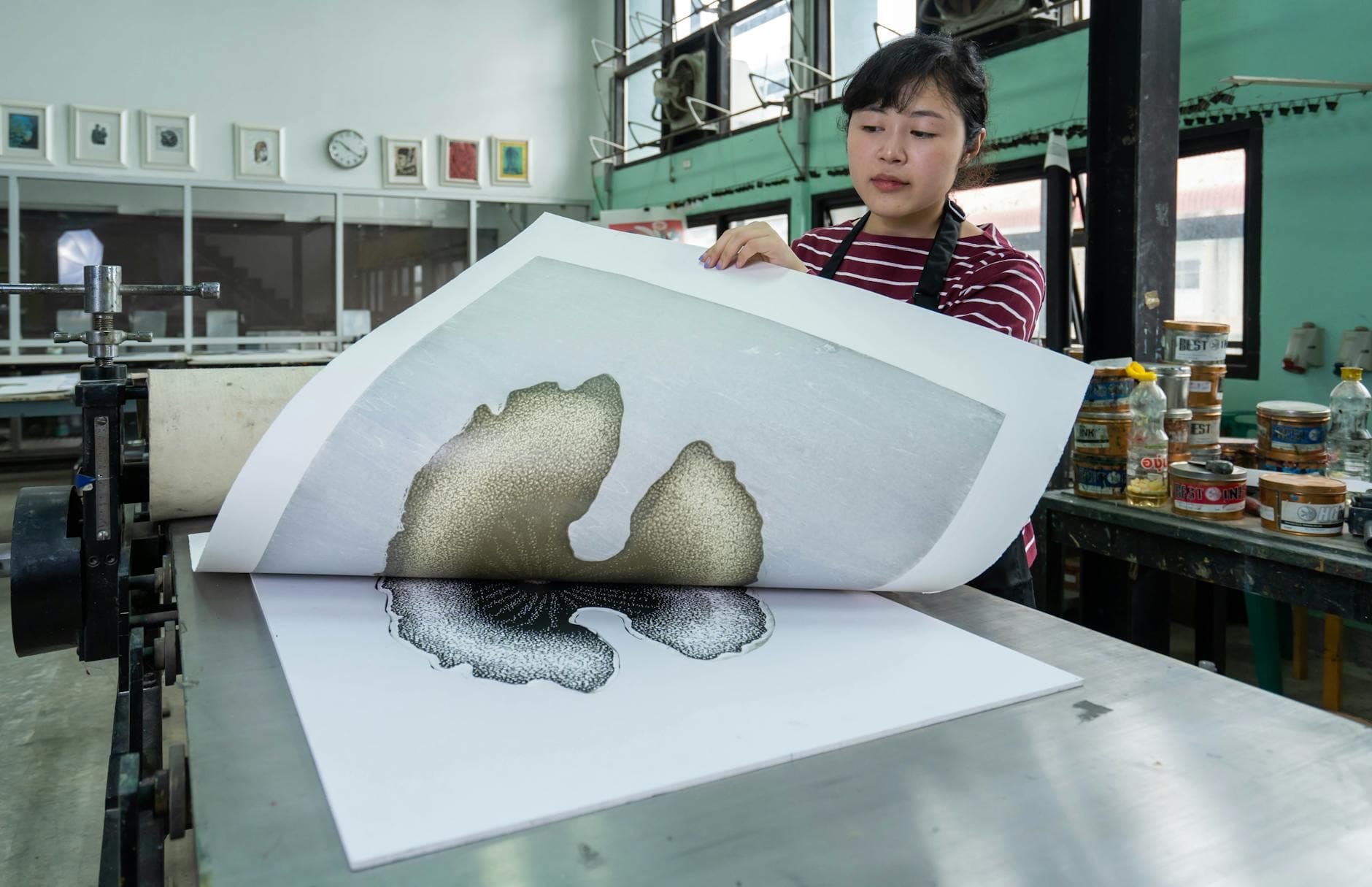
Print-ready artwork for tea packaging must be in a format that a print house can process directly without redrawing or converting. For the European contract co-packing market, two formats are standard.
PDF/X-4 is the preferred submission format. It is an ISO print exchange format that enforces embedded fonts, CMYK color space, and correct bleed information. Most design agencies working in print will know this standard. If your designer asks "which PDF profile?", the answer is PDF/X-4.
Adobe Illustrator native (.ai) is accepted where all fonts are either embedded or converted to outlines and linked images are embedded at full resolution.
Formats that are not accepted for final production artwork:
| Format | Why not accepted |
|---|---|
| PNG / JPG / TIFF | Raster only - cannot scale without quality loss; no vector paths |
| PDF without PDF/X profile | May contain RGB, missing bleeds, or unembedded fonts |
| Microsoft Word / PowerPoint | Not designed for commercial print; color and typography are uncontrolled |
| CorelDRAW (.cdr) | Not universally supported in EU print production |
| Canva export (generic PDF) | Almost always RGB; bleed and safe areas frequently incorrect |
If your brand was designed in Canva, your designer needs to rebuild the artwork in Illustrator before submission. This is not optional - it will be rejected at prepress.
Bleed and safe area requirements
Bleed is the area of artwork that extends beyond the final trim line. It exists so that minor variance in die-cutting does not leave a white edge on the finished pack. The standard for tea packaging printed in Germany and Central Europe is 3 mm bleed on all sides.
Safe area is the zone inside the trim line where no critical content (logos, product name, barcode, mandatory label text) should be placed. The standard is 3 mm inside the trim line. Content that sits inside the safe area but close to the trim can be cut off in production.
A correct dieline file will show three concentric rectangles:
- The bleed edge (outermost - this is where the background color/image must extend to)
- The trim line (the finished size after cutting)
- The safe area (innermost - all mandatory content must be inside this)
If your designer has not provided a dieline file, request one before starting artwork. Attempting to add bleed after the fact to artwork designed for screen often produces visible repeating patterns or color-blocked edges that look wrong.
Color space: CMYK and Pantone
All artwork must be in CMYK. RGB is a screen color model - monitors and phones display it correctly, but commercial printing uses CMYK process inks. A file submitted in RGB will be converted to CMYK in prepress, and the conversion will shift colors. Blues become flat, vibrant greens shift, and brand colors that look strong on screen can look muted on the finished pack.
Convert to CMYK in Illustrator before submission: Edit > Color Mode > CMYK.
Pantone spot colors are supported for brand-critical colors that must match precisely across print runs. If your brand has a specific Pantone reference (for example, Pantone 348 C for a particular green), include the spot color as a named swatch alongside your CMYK breakdown. The printer will decide whether to run the spot color as a fifth ink or to convert to CMYK, but having the Pantone reference on file ensures consistency.
Resolution for raster elements
Vector artwork (paths, type, geometric shapes) scales without quality loss. Raster elements (photographs, watercolor textures, scan-based illustrations) must be embedded at 300 DPI minimum at 100% of the final print size.
A photograph placed at 72 DPI will print soft and pixelated. A photograph placed at 300 DPI but scaled up to 200% within the layout is effectively 150 DPI - also too low.
Check placed image resolution: Illustrator - Window > Document Info > with image selected, check Effective PPI. It must be 300 or above.
For tea packaging that uses photographic elements (an origin landscape, a botanical illustration, a product shot), the original image file must be high-resolution. Stock images downloaded at web resolution are not usable for print without re-licensing at full resolution.
Foil and emboss options
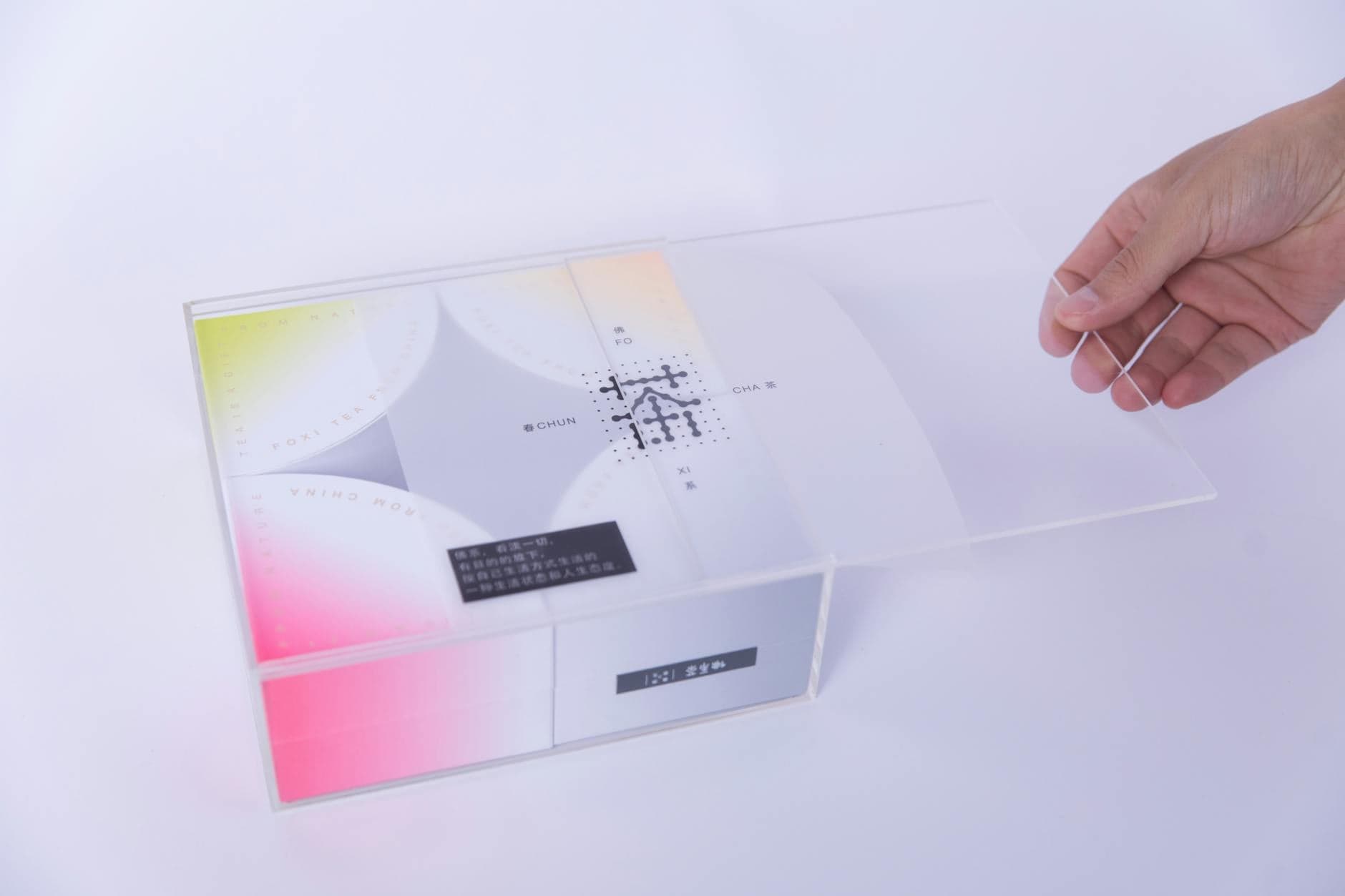
The PT-2.33 envelope supports several premium print finishing options. Each requires a separate technical artwork layer.
Hot foil stamping applies a metallic or pigmented foil to a specific area via a heated die. Common uses: brand name, logo, product tier marker. Requires a separate single-color layer (named "FOIL" in the Illustrator file) showing exactly the area to receive foil. Foil cannot overprint other inks - the base print must be designed around the foil area.
Embossing / debossing creates a raised or recessed tactile impression in the substrate. Requires a separate layer (named "EMBOSS") with the area to be embossed shown in a flat color. Works best with simple, clean shapes at 6pt stroke or heavier.
Matte / gloss varnish can be applied selectively (spot UV) or flood-coated. A spot UV layer is required for selective application - same principle as foil: a named layer showing the area to receive varnish.
If you intend to use any finishing option, tell your co-packer at brief stage. Finishing options affect envelope material selection, plate count, and pricing - they cannot be added after plates are made.
PT-2.33 envelope dimensions
These are the working dimensions for artwork prepared for our bag. Confirm with your account contact before ordering print plates - dieline files are provided on request.
60 x 40 mm bag (standard, black tea / single-herb):
| Measurement | Dimension |
|---|---|
| Bag face (W x H) | 60 x 40 mm |
| Artwork trim (W x H with gusset) | Provided on request via dieline file |
| Bleed on all sides | 3 mm |
| Safe area inside trim | 3 mm |
| Tag face (W x H) | 37 x 27 mm (standard hard tag) |
| Tag bleed | 2 mm all sides |
| String length | Not printed - confirm hardware color |
64 x 44 mm bag (herbal / fruit blends):
| Measurement | Dimension |
|---|---|
| Bag face (W x H) | 64 x 44 mm |
| Artwork trim (W x H with gusset) | Provided on request via dieline file |
| Bleed on all sides | 3 mm |
| Safe area inside trim | 3 mm |
| Tag face (W x H) | 37 x 27 mm (standard hard tag) |
| Tag bleed | 2 mm all sides |
36 years of DE print compliance
Our family business has supplied dried herbs to the German, Austrian, and Swiss market since 1990. That means 36 years of working with German label printing standards, DE retail compliance requirements, and the food information regulations that govern what must appear on a tea label in each target market.
When we review artwork submissions at prepress, we check:
- All mandatory EU label fields present (LMIV / FIC 1169/2011)
- German-language text present for DE/AT/CH distribution
- Best-before date field location is correct for print batch coding
- Barcode placement is in the spec range for retail scanners
- Allergen emphasis formatting is correct (bold or otherwise highlighted in the ingredients list)
A label that passes our prepress review is ready for German retail. That is not a guarantee of regulatory approval - that is your compliance consultant's job - but it means the artwork itself will not be rejected for print specification reasons.
Artwork submission checklist
Submit artwork with this checklist completed. Missing items will trigger a correction round.
| Item | Requirement | Checked? |
|---|---|---|
| File format | PDF/X-4 or native .ai | |
| Color mode | CMYK throughout | |
| Bleed | 3 mm all sides on envelope | |
| Bleed | 2 mm all sides on tag | |
| Safe area | 3 mm inside trim on envelope | |
| Fonts | Embedded or converted to outlines | |
| Raster images | 300 DPI minimum at 100% size | |
| Spot colors | Pantone reference named if applicable | |
| Foil/emboss layers | Named "FOIL" / "EMBOSS" if used | |
| Spot UV layer | Named "UV" if used | |
| Tag artwork | Submitted alongside envelope artwork | |
| Barcode | EAN-13 at correct size (min 31.35 x 22.85 mm) | |
| Language | DE text confirmed for DE/AT/CH | |
| Mandatory label fields | All LMIV fields present | |
| Dieline | Artwork is built on our provided dieline file |

Starting the artwork process
The right time to begin artwork is after the service tier and bag size are confirmed but before the production date is booked. That way, if corrections are needed, the timeline does not slip.
If you do not yet have a print-ready brief, see How to Start a Tea Brand in Europe for the full launch sequence, or look at private label tea costs from Kosovo to understand how plate setup fits into the overall budget.
To request a dieline file for the PT-2.33 envelope, contact us with your chosen bag size. We will send the dieline alongside a brief summary of what your designer needs to know.
More from the Knowledge Hub
Custom Tea Blending: Building a Signature Blend for Your Brand
How a signature tea blend moves from a tasting brief to a locked recipe. The blending process, iteration cycles, and what separates a house blend from a generic SKU.
sustainabilitySustainability in Tea Packaging: What Buyers Actually Pay For in 2026
How sustainability claims in tea packaging drive buyer behaviour. The gap between what consumers expect and what they pay, plus compostable claims and regulatory risk.
guidesPrivate label tea cost per unit: 5 factors that move it
Private label tea cost per unit depends on 5 measurable factors. This guide breaks down each one with real numbers so you can plan before you quote.